Can I access the camera remotely?
No — your phone must be within around 9 m of the camera and connected to its built-in Wi-Fi to access any footage.

ProCam 4KUHD · PV-PRO
Everything you need to know about your ProCam 4KUHD dual dash-camera — connectivity, settings, parking mode, video quality, and storage & playback.
01 · Connectivity
No — your phone must be within around 9 m of the camera and connected to its built-in Wi-Fi to access any footage.
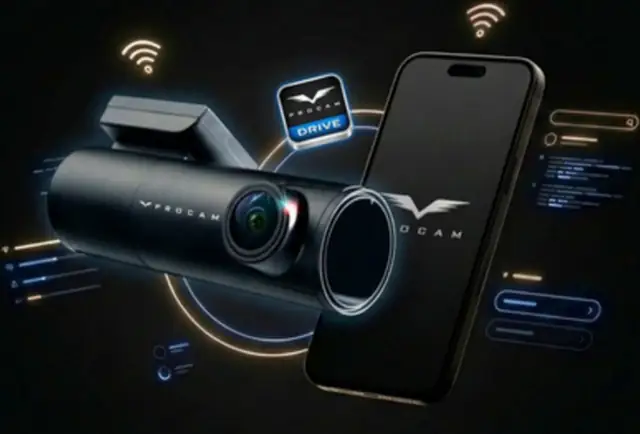
Yes. You must download the ProCam AU dash cam app to view footage, change settings, and manage recordings.
Download the app before connecting to the dash cam Wi-Fi. You need an internet connection (mobile data or Wi-Fi) to install the ProCam app from the App Store or Google Play.
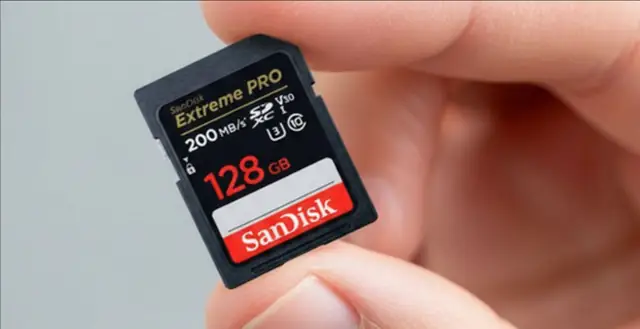
No. Video recordings are saved to the camera's internal 128 GB MicroSD card. You only need to connect via your phone using the ProCam AU app when you want to view or download footage.

Yes — the camera records independently and saves all videos directly to the memory card, even when your phone is disconnected.
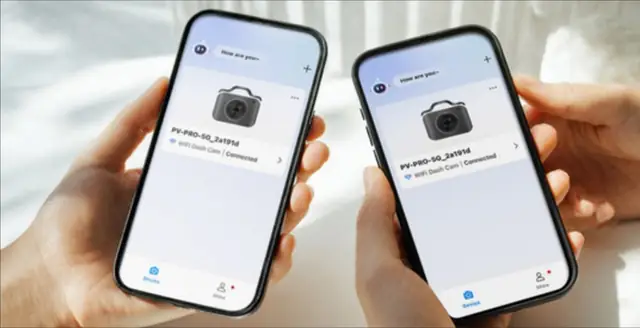
Multiple phones can be paired with the dash camera, but only one device can access it at a time.
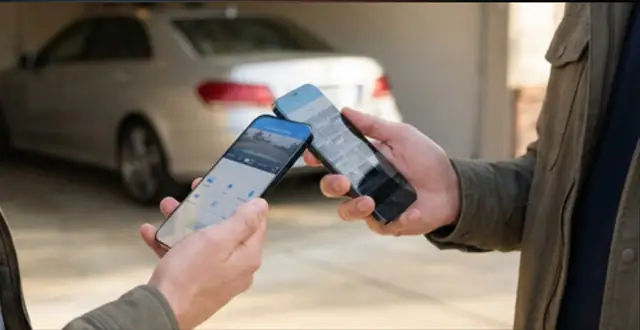
Yes — you can view and download footage to other electronic devices as long as they have a Wi-Fi connection. Please ensure only one device is connected at a time.
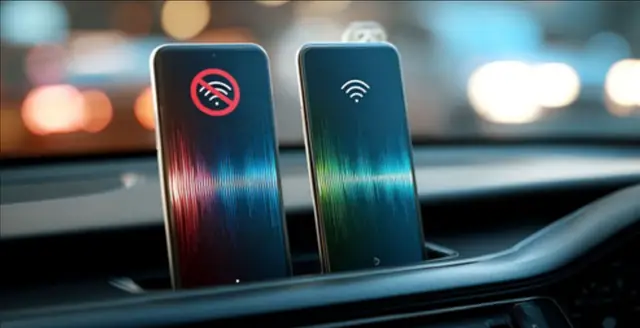
The dash camera broadcasts a Wi-Fi signal that only one phone can access at a time. If another paired phone is close by, it may latch onto the signal first. Disable Wi-Fi on any nearby devices to restore proper connectivity.
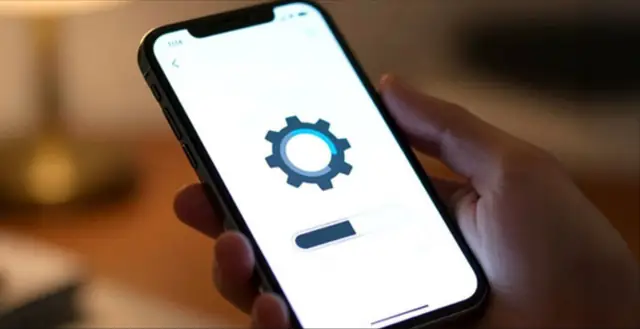
Yes. Ensure your mobile device is running the latest software version. Outdated operating systems can cause connectivity issues or prevent the app from functioning correctly.

Ensure the power plug hasn't been unplugged. Verify the camera is switched on and the LED power indicators are illuminated.
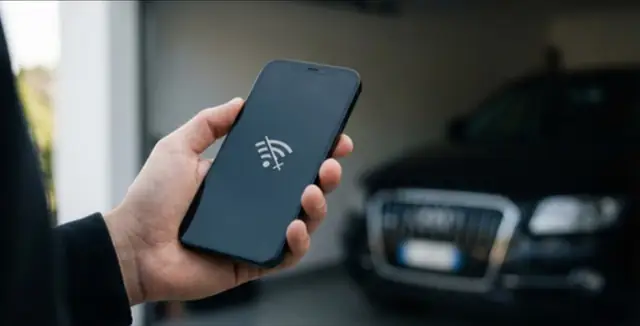
To view your dash cam footage, your phone must be connected to the dash cam's Wi-Fi, not your home or office Wi-Fi. The camera creates its own wireless connection that allows the app to communicate directly with the device.

You can reach our Australian support team by email at [email protected] or through our contact page, Monday to Friday from 9am to 5pm.
02 · Settings & Adjustments

Minor vibrations such as closing a door or boot can trigger false alerts. You can lower the sensitivity level in the ProCam AU App to reduce this.
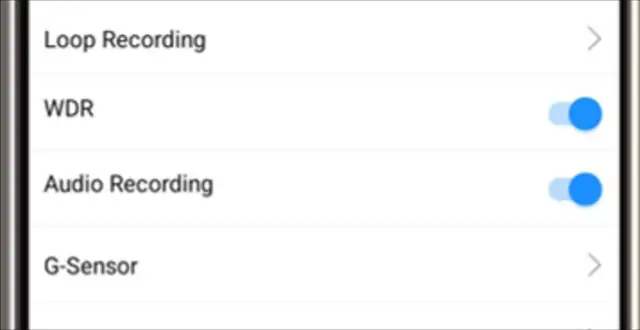
Yes — voice and sound recording features can be disabled through the App settings.
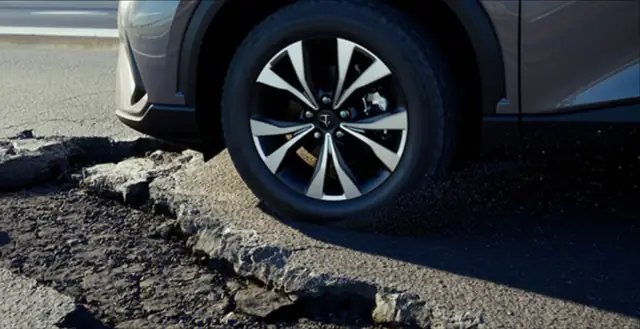
The dash camera may detect potholes, quick stops or sudden acceleration as impacts. Adjust the sensor's sensitivity in the App to avoid unnecessary recordings.
Voice alerts can be modified or turned off in the ProCam AU App. Check the User Guide for instructions.
03 · Battery Use & Parking Mode
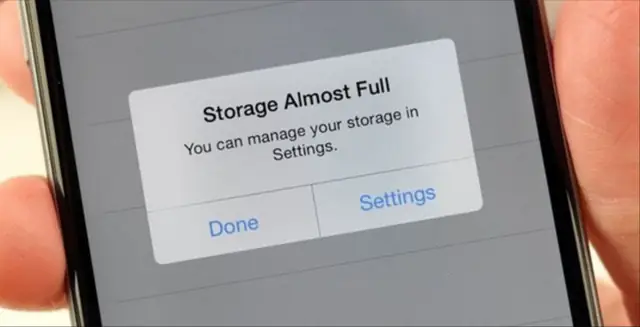
A 128 GB MicroSD card can hold up to 8 hours of continuous video.
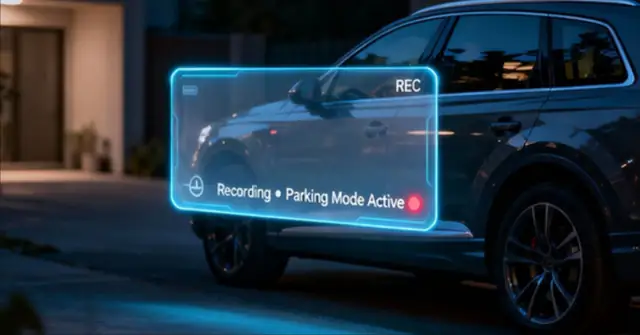

This depends on your vehicle's battery. The dashcam shuts off automatically if voltage drops too low to protect the battery. Non-Hybrid cars: up to 1 week in motion-detection mode. Hybrid cars: up to 2 days in motion-detection mode.
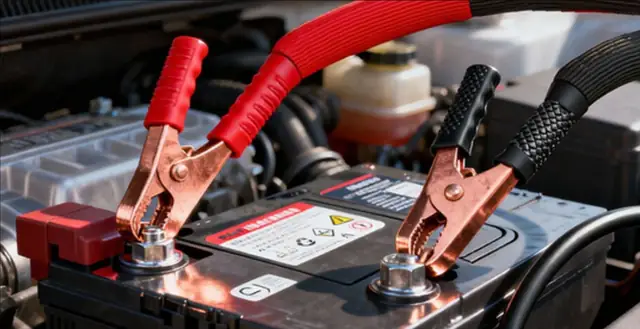
The hardwired system includes safety features like voltage monitoring and timers to avoid battery drain while parked.
04 · Video Quality & Performance

The ProCam AU dash camera offers a wide-angle view of around 135°–150°, capturing both the road ahead and surrounding areas.

It performs best when capturing nearby vehicles. Plates that are farther away may not appear as clearly due to focus limitations.
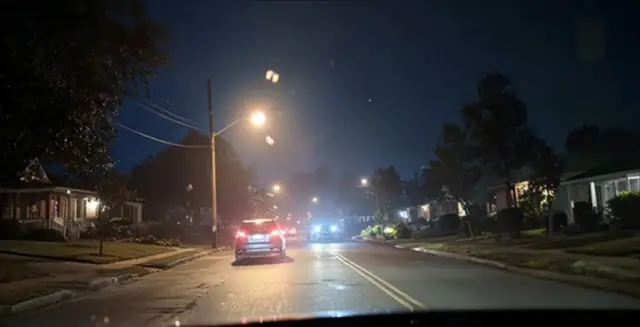
The camera uses a SONY STARVIS sensor and HDR technology for strong performance in low-light conditions.

No — proper installation won't affect your manufacturer's warranty.
05 · Storage & Playback
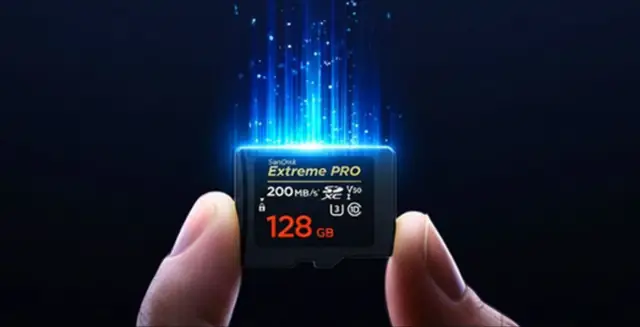
Yes — you can swap the included card with a high-endurance model such as the Samsung Endurance. Avoid budget cards, as they may fail over time. MLC-type memory cards are recommended. Maximum supported size is 128 GB.
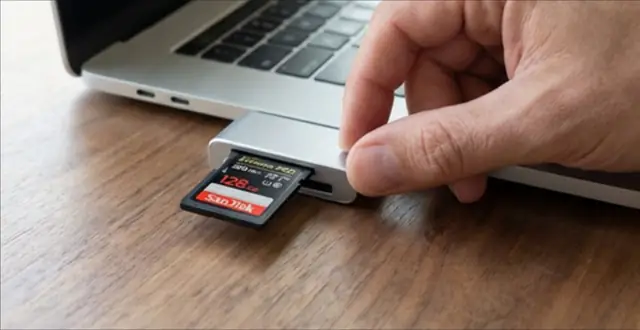
Map overlays are only available through the desktop viewer software. You need to remove the SD card, insert it into a PC and open the files using the viewer.
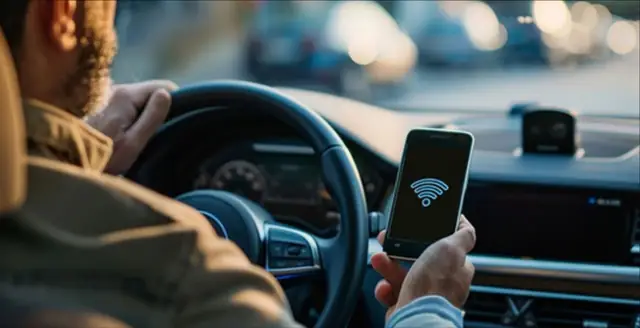
This is expected. The dash camera's Wi-Fi is for local use only and doesn't provide internet connectivity.

Installing both front and rear cameras usually takes around 2.5–3 hours depending on the car.
06 · Downloads
Grab the official ProCam documentation — setup, features and troubleshooting, all in one place.
Our Australian support team is here to get you back on the road.